Stamps Don't Need 3D Models: Turning an Album into a Walk-In Gallery
online stamp exhibitiondigitising a stamp collectionpersonal 3D collection gallerystamp album digitisationvirtual gallery for paper collectiblespostcard online exhibitiondisplaying scans in 3Dself-hosted virtual gallery3D billboard texturestarting a personal virtual gallery
"Decades of collecting, and almost nobody at home has actually seen it."
Three things sit inside that sentence: paper is afraid of damp, yellowing and creases; opening the album wears it a little each time; and a visitor gets handed one page after another, without quite seeing a whole set. The objects are all there. What is missing is a place someone can walk into.
This article describes a route with a lower barrier: do not turn stamps into 3D models. Take scans or photographs, use them as textures on boards inside a 3D space you build yourself, and let people walk up to them with an avatar. Paper collectibles are flat to begin with, which makes them easier to move into a 3D world than figures or physical objects.
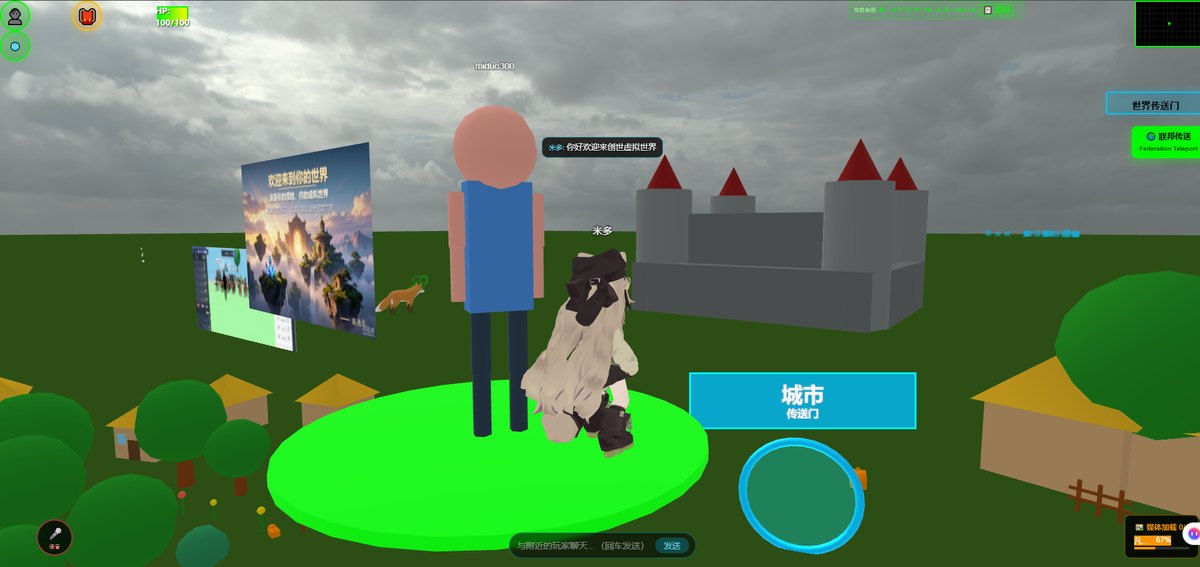
Where this comes from: we build a browser-based 3D world base layer that you deploy on your own server (Genesis / 创世Genesis / 创世虚拟世界CRM系统). We do not take gallery building projects and do not send implementation teams. Every image below is a frame from our own test world, not a stamp gallery, and contains no real collectibles; we have no stamp-collector customer case studies.
Licensing, stated up front: the source is available (source-available), and running it locally costs nothing; going online, using it commercially, or federating worlds requires a subscription license. The precise terms are in the repository LICENSE / EULA.
What this article covers
- Why flat objects do not have to become solid ones, and which step that actually removes
- The stages between one scan and a wall you can walk up to
- What this approach cannot do, and when to skip it altogether
1. Flat things do not have to become solid
What usually stops a collection from moving into 3D is not the software. It is "I have no 3D models". For stamp collecting that objection does not apply: stamps, postal covers, postcards, ration coupons and old photographs are flat images already.
| Kind of item | What you need for a 3D space | How it is captured | Barrier |
|---|---|---|---|
| Stamps / postal items / postcards / paper certificates | One usable image | Scanner or camera | Low |
| Old photographs / posters / record sleeves | One usable image | Scanner or camera | Low |
| Figures / models / physical objects | A model such as GLB | Existing asset, own modelling, or commissioned work | Medium to high |
| Buildings / the venue itself | Scene assets and placement | Modelling or existing assets | Medium to high |
Stamp collecting sits in the first two rows. There is no photogrammetry, no decimation, no UV work, and no waiting for someone to model a single stamp. What disappears is the per-item 3D capture stage that makes collection projects expensive.
One clarification: what disappears is the step of becoming three-dimensional, not the work of sorting things out. Deciding the order of a set, writing a note for each item, correcting a colour cast on a scan — all of that stays. Reading "no modelling needed" as "no work needed" is a common mistake on this path.
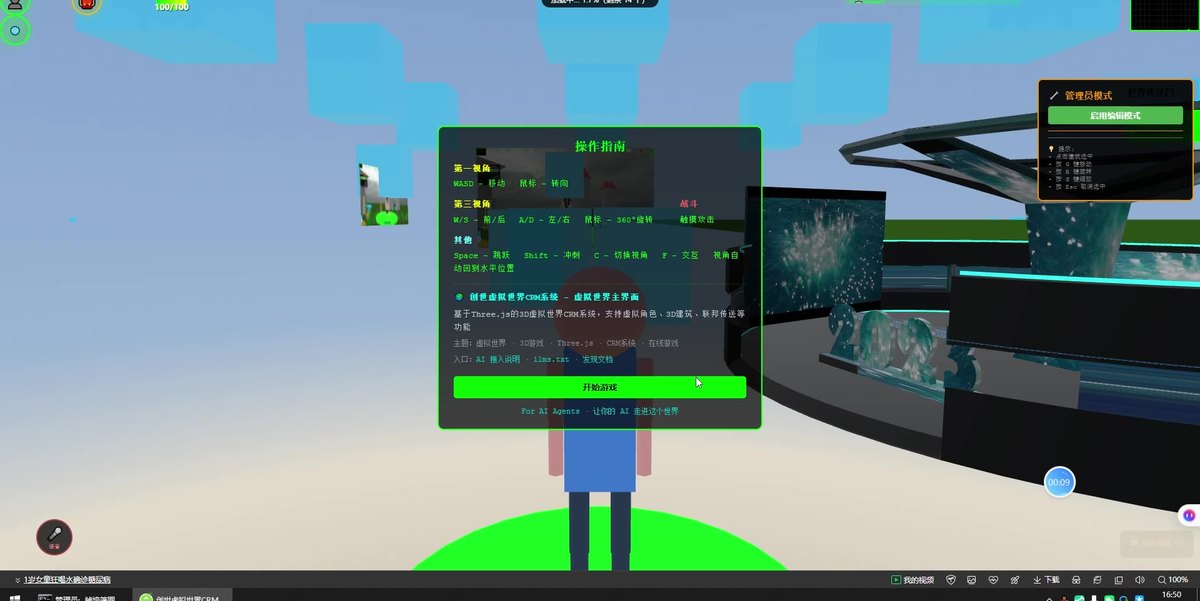
A frame from an exhibition-hall recording: a dark display board in front of a white wall. Scans of paper collectibles can be mapped onto surfaces like this and viewed up close. No stamps appear here; this shows a placement that ships with the product.
2. Four stages from a scan to a wall
| Stage | What you do | Output | Where it tends to stall |
|---|---|---|---|
| ① Sort and check | Set the scope, count items, confirm which images may be published | A list to exhibit | Publisher artwork, other people's photographs, private letters: leave them out until rights are clear |
| ② Digitise | Scan or photograph, normalise orientation, crop, name files | An original plus a compressed display copy | Keeping a compressed copy alone means rescanning later |
| ③ Map and place | Put the image on a board or wall object in the editor, set position, facing, size | A wall you can walk up to | Uncompressed images slow the first screen down |
| ④ Write the label | A short text per item: year of issue, place, how you acquired it, postmark location | Notes stored alongside the placement | Writing a catalogue number alone leaves the visitor with nothing to remember |
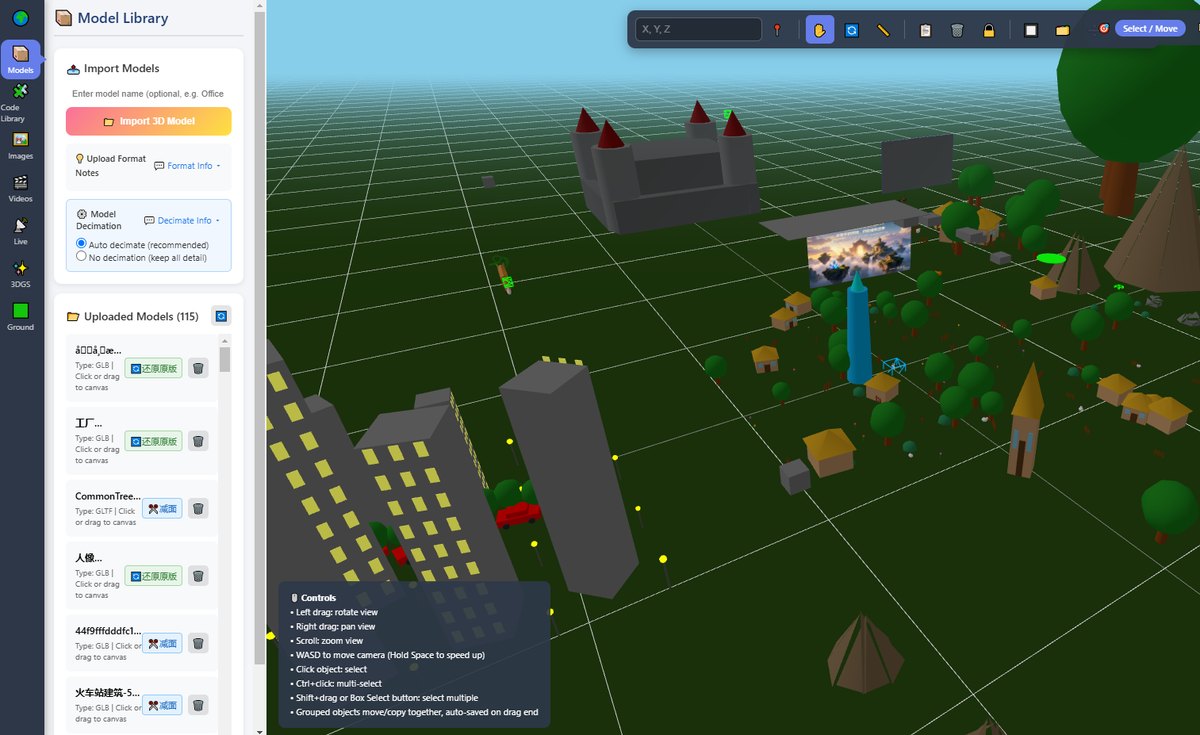
The editor interface: where a board sits, which way it faces, and the starting camera angle are all changed here, without rebuilding the scene. The object list on the right has been cropped out of this image; the model library is on the left and the scene viewport in the middle.
Stage ③ deserves a note: a board in the world is an object with a position, not an illustration on a web page. You can walk behind it, arrange several in a ring, or link them into a route. This is where a gallery parts company with an online image set — one is walked through, the other is paged through.
The other half matters too: a texture is not the original. Colours on a screen shift with the display, browser colour management and scene lighting. We do not provide collection-grade colour management, nor authentication or valuation. For cataloguing, research or checking an edition, go back to the original image and the physical item.
3. What you gain and what you lose
| An album at home | A 3D gallery | |
|---|---|---|
| How it is viewed | Page by page | Walk in with an avatar, follow a route |
| Sharing | Hand the album over | Send a link, the other person goes in alone |
| Interpretation | Spoken, then forgotten | A text beside each item, still there after edits |
| Placement | Limited by the shelf and the album | Positions stay adjustable; adding one item needs no new cabinet |
| Wear on the original | A little, each time it is opened | The original can stay put |
| Feel and paper | Present | Absent |
| Perforation, gum, watermark | Checkable on the object | Partly visible in a scan |
| Colour accuracy | The object is the reference | Affected by device and lighting |
What it adds is display, not preservation. Backups of the scans and proper storage of the originals still have to happen. Treating a digital gallery as a digital archive is the costly version of this misunderstanding.
4. When to skip it
Not every collector needs a walk-in gallery. In three situations something else is less trouble:
- You want to browse your own items now and then → a well-organised local image set is enough; no space needed
- The collection is small and there is nothing to explain → an image set with a caption covers it; walking adds a layer of interaction for no gain
- Nobody is going to do the sorting and scanning → no software removes that stage; settle it before thinking about deployment
The reverse also holds: when "I want someone to see the whole thing" and "each item has a story" are both true, a space you can walk through starts to earn its keep. The test is not how many items you own. It is whether there is something to say.
5. Boundaries
- We have no stamp-collector customer case studies. The four stages come from our own experience building 3D spaces, not from an industry standard
- The images are frames from our test world, not a stamp gallery; the boards carry placeholder content shipped with the product
- Models and images are supplied by you. We provide no copyright-protected commercial models or collection images; you confirm rights and publication permission for your scans
- No authentication, valuation, investment claims, and no trading
- No collection-grade colour management; screen colour differs from the original
- The phone experience has to be measured on real devices. Loading time varies with the number and size of images
- Automatically generated labels are planned, not implemented. Even if added later, AI cannot see the picture and does not know your intent; every sentence would need human review, plus a rule that it says "I don't know" when it cannot find an answer. Plan for human-written labels for now
- We do not take gallery building projects and do not send implementation teams
6. Common questions
Do I need to know 3D modelling?
No. Paper collectibles take the texture route: a usable scan and a place to put it. Modelling becomes relevant when you want solid objects in the room, which is a separate decision.
Do I have to place several hundred stamps one by one?
Not in one pass. Start with a single set or theme, get one route working, then decide whether to add more. The next article covers how to choose.
If scans go online, can someone take them?
Yes. Any image a browser can display can be copied, and a 3D scene is no exception. Publish on the assumption that images will be reused; keep anything else offline. The form of the technology does not change this.
Can I keep it private, for myself alone?
Yes. Running locally is exactly that use, and it is the "running it locally costs nothing" case in the licensing line above. Opening it to other people online requires a subscription license.
Will this preserve my collection for me?
No. It is a display space, not an archive system. Backups, cataloguing and physical storage remain your responsibility.
Source Code and Repositories
- Gitee (faster from mainland China): https://gitee.com/miduoxinxijeji/miduo.git
- GitCode (mirror for mainland China): https://gitcode.com/qq_35054471/virtual-world
- GitHub: https://github.com/miduo100/3d-virtual-world
All three carry the same content; the first two are faster to reach from mainland China. The repositories contain the deployment guide and a demo entry point.
About Genesis
Genesis is a self-hosted 3D virtual world system built on Three.js + WebGL, helping individuals and businesses build their own 3D spaces. Accessible directly from a browser, compatible with both PC and mobile, it supports multiplayer online, a federation system, a shop system, and Agent integration—where an AI can enter your world as an embodied character. Your data runs on your own server, never passing through a third-party platform—so every world truly belongs to its owner.
For paper collectibles, 3D removes the modelling step, not the sorting. What you get is a place you can walk into, send as a link, and annotate item by item — display, while the originals still need to be stored properly. SEO / AI keywords: online stamp exhibition, digitising a stamp collection, personal 3D collection gallery, stamp album digitisation, virtual gallery for paper collectibles, postcard online exhibition, displaying scans in 3D, self-hosted virtual gallery, 3D billboard texture, starting a personal virtual gallery
About the name: Genesis (创世Genesis) here is the same product as 创世虚拟世界CRM系统, a browser-based, self-hosted 3D virtual world base layer. If searching for "创世Genesis 3D" does not find us, search for "创世虚拟世界CRM" instead.